
 New Delhi


AI Video Prompt Writing for Social Media Marketers: Ads, Reels and Explainers
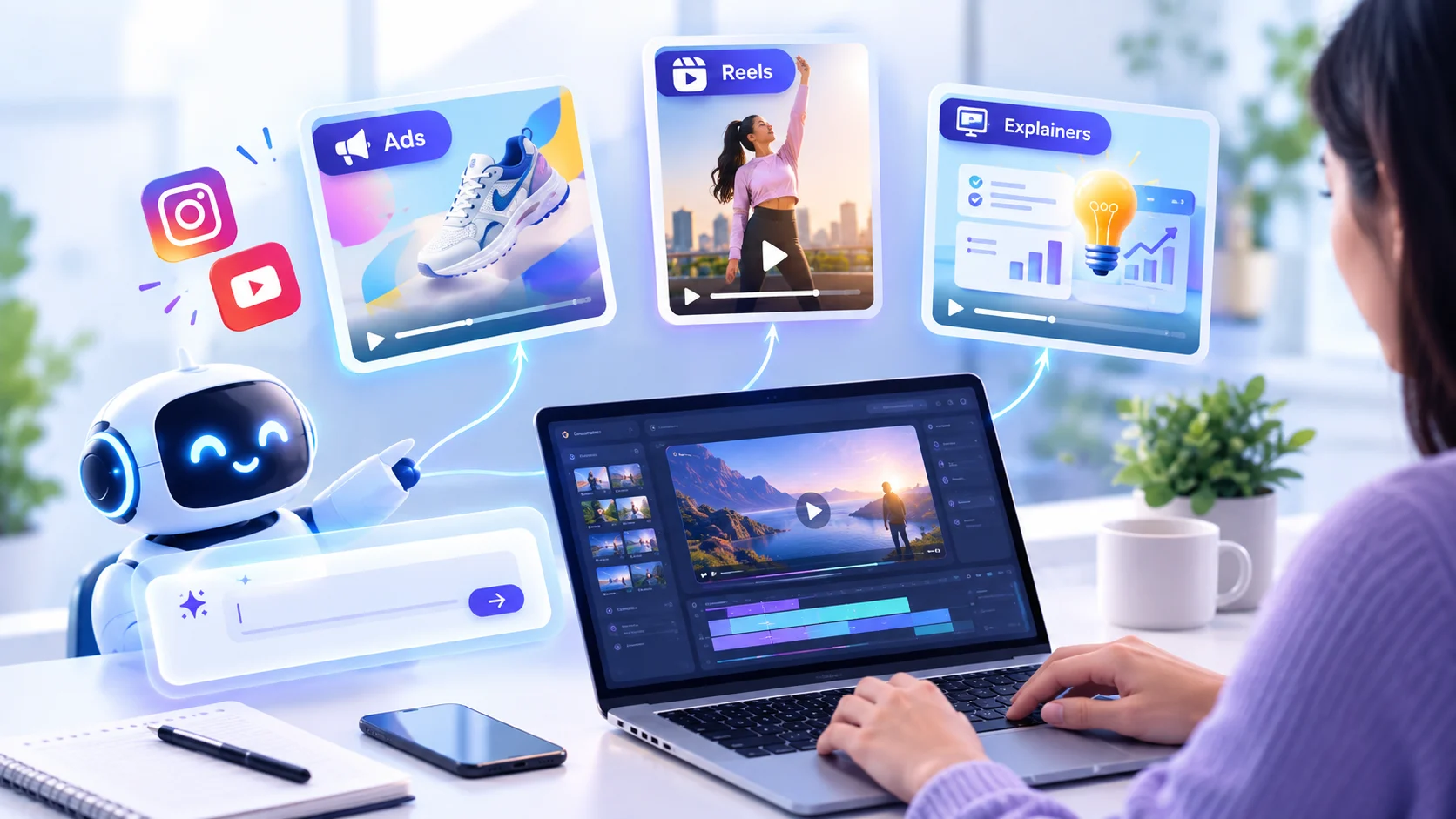
AI Video Prompt Writing is a fine discipline that requires a high level of accuracy. That is, if it is put in the words mentioned above, such kinds of prompts can also be produced by the tools of AI. Walking through the techniques of AI video prompt writing will allow social media marketers to have faster ads, a greater number of Reels, and more meaningful explainer videos as long as prompts are specific. But prompts that are too general will lead to making videos in the same order. This guide will give you a wonderful formula, offer examples for 3 formats, and offer advanced techniques and a reusable workflow; the process will also be demonstrated in the form of a video.
What Is AI Video Prompt Writing?
AI prompt writing refers to the process of creating a structured description for a text-to-video application, including the visuals and movements as well as the style and mood of the clip. An effective prompt can be imagined as a very brief creative brief for the video team, without which the company will have to rely on its assumptions, leading to wrong guesses and redoing the task several times at additional costs.
In contrast to creating a caption or preparing an ad's script, the prompt provides the video-generating software with complete B-roll coverage of what to expect in terms of visuals.
Why It Matters for Social Media Marketers
Fresh and regular content is incentivised by social media, but many groups do not have enough time and financial resources to develop everything. A video generator can assist in creating quick conceptual tests, visuals, background scenes, b-roll, and short explanatory videos. Even though the final result is greatly dependent on a prompt, it is worth learning how to write such prompts to work either independently or as a part of a team.
Moreover, one can receive some creative advantage while being able to test several visual ideas during one day to see how the audience reacts to them before making a major investment.
The 6-Part Prompt Formula
Strong prompts usually cover six elements. You do not need all of them every time, but the more you specify, the more control you get.
Subject: who or what is in the shot, such as "a young woman holding a reusable water bottle."
Action: what happens, such as "she smiles and takes a sip while walking."
Setting: where and when, such as "a sunny city park in the early morning."
Camera: shot type and movement, such as "medium shot, slow push-in."
Style and lighting: the look and mood, such as "bright natural light, clean modern style, warm tones".
Constraints: duration, aspect ratio and what to avoid, such as "5 seconds, 9:16, no text on screen".
A reliable pattern is [shot type] of [subject] [action] in [setting], [lighting and style], [camera movement], and [duration and aspect ratio].
Write in plain, concrete language. "A woman walks through a market at golden hour" works better than "a beautiful cinematic masterpiece of life". Describe what the camera would actually see.
AI Video Prompt Writing for Ads
It is crucial that advertisements follow a clear direction with regard to the product they promote. First, the advertisement must show the relevance of the product, i.e., what its function is and what emotions it evokes. The use of ambiguous images and emotions will not provide the viewer with the chance to understand what product he/she is ordering.
Example prompt: "The close-up of the stainless steel water flask can be shown against a wooden desk, showing condensation on it, with a hand shown lifting the flask into the shot." The shot can have a soft morning light, a minimalist clean feel, a slow move-in, and a shallow depth of field in a 6-second-long, 9:16 ratio.
Using multiple snippets can help achieve different shots for the product ad, for example, the hook shot and the benefits shot. When it comes to paid ads with an eye-catching hook, try to come up with two or three alternative versions of the opening hook for testing.
It is important that all videos maintain the same branding colours and keywords. For example, if one video states in detail that the product is "cosy and warm", and another video talks about its “futuristic design", then the overall video will lack uniformity.
AI Video Prompt Writing for Reels
Reels depend on the first second. Open with motion, contrast or a surprising visual, and design for vertical, sound-off viewing, since many people scroll without audio.
Example prompt: "Fast zoom into a coffee cup as milk swirls into espresso, top-down angle, vibrant colours, smooth motion, trendy social media style, 4 seconds, 9:16."
Prepare a prompt for every beat: hook, middle, and payoff. For instance, the hook may be the swirl of milk, the middle the snap of the completed drink, and the payoff a customer relishing it. Edit the overlays and captions in the video editor and not in the prompt because many AI applications still find it hard to write clear words.
Be brief in your clips, making them last only a few seconds, and do not linger on the cuts too long. Fast cuts and rapid sequences are appropriate in this format, and brief videos have less chance of getting distorted.
AI Video Prompt Writing for Explainers
Explainers need clarity more than spectacle. Use simple scenes, steady camera moves and visuals that show one idea at a time.
Example prompt: "A clean animation showing a mobile phone on a plain background, with a small degree of complexity, coloured icons coming out of the mobile phone towards a shop window through flat illustrations, and a horizontal camera pan across the screen for the required duration of 8 seconds with a 16:9 aspect ratio."
First, write a script and divide it into key points, and then create a corresponding image for each of the scenes based on the script. This will ensure that each scene will communicate the most important idea from the script. Remember that all illustrations must be created in the same manner to make the video uniform. Combine this with gentle background music to make your message more effective.
Watch the AI Video Prompt Writing Process.
Want to see these ideas applied? Watch my AI video on YouTube, where I show how a prompt turns into a finished clip:
https://youtube.com/shorts/1ovg25gaNBo?si=QKk4pP6d8Cr56HGM
In the video, you can compare the prompt with the final result and see how small changes in wording affect the output.
Advanced Techniques for Better Results
Modify just one element. For example, if a video is similar but not right, tweak just one element—like camera movement or lighting—before generating again. If you modify five elements at once, it becomes impossible to understand what worked.
Utilise reference terms. Words like “soft natural light", “cloudy weather” or “neon night street” inform the visuals more accurately than broad descriptors such as “fantastic” or "amazing".
Be clear about what to avoid. Add limitations such as “no caption", “no trademarks” or “monochromatic tone” when available. This minimises the chances of errors.
Be consistent in reference to characters and products. For instance, keep using the same description, like “a woman in her thirties with black hair and dressed in a green coat". Small variations in wording could alter the look of our subject in the video.
Make sure to adapt the prompt to the generator’s specifications. Each AI video generator interprets length, camera terms and tone differently. Do a few test prompts when trying the generator for the first time and write down your observations.
Common Mistakes to Avoid
Being too vague. "A cool product video" gives the tool nothing to work with.
Cramming too much into one clip. One clip should show one action.
Ignoring aspect ratio. State 9:16, 1:1 or 16:9 up front so the framing fits the platform.
Losing consistency. Reuse the same description of your character, product and style across prompts.
Relying on the AI for text. Add logos, prices and captions in your editor for sharp, accurate results.
Skipping review. Check each clip for odd motion, distorted hands or faces, wrong product details and anything off-brand before publishing.
A Simple Workflow You Can Reuse
Define the goal and platform. For example, "15-second reel to promote a new product".
Break the idea into shots. Three to five shots is enough for most short videos.
Write one prompt per shot using the formula above.
Generate and review. Pick the best take, and refine weak ones by changing one element.
Edit and finish. Add captions, music, voiceover, logo, and call to action in your video editor.
Save what worked. Store successful prompts in a document, organised by format (ads, Reels, explainers).
Over time, this becomes a prompt library for your brand. New team members can start from proven prompts instead of from scratch, and your videos stay visually consistent.
Measure and Improve
The process of generating effective prompts does not stop with their creation, and the post-processing analytics is equally important. It is advisable to determine the percentage of people who watched the video to the end and those who clicked on the video link or left a comment as well. It is possible to link analytics information with the prompts. For instance, if the videos that start with a close-up shot demonstrate higher retention rates, it is reasonable to create more prompts for similar videos.
Use AI Video Responsibly
Make sure to check the latest guidelines for all the platforms prior to posting, as there are some which require labelling of AI-generated material, which is misleading. Avoid videos that are misleading, like videos with fake endorsements and real-looking videos of real people. Be transparent about the capabilities of your products to avoid any misleading use of AI.
FAQs
What is AI video prompt writing?
Writing text instructions in structured form is telling an AI programme how to generate the video by specifying its subject, action, location, camera, style, and format.
How long should an AI video prompt be?
Normally two to four sentences. Get all the important points included, then work on improving one thing at a time rather than adding more details.
Will the same prompt work in every AI video tool?
Not really. Every app handles prompts in its own way, so think of an effective prompt as a guide to get you started.
Can I use AI videos for paid ads?
In most cases, yes, but be aware of the AI tool and advertising terms, and ensure that the video is not misleading to consumers regarding your product.
How do I get consistent characters across clips?
Please make sure to use the exact same detailed description in every prompt, and make sure to have the exact same style words as well.
Final Thoughts
To write good prompts for a quality video produced with the help of AI, it is necessary to have a clear mindset and a proper description of all the shots and the refining process. Using a particular method allows you to use less time while getting better-quality videos. Regardless of whether you are working in advertising, making reels, or creating any explanatory videos, at least start with one type of prompt, test some of the prompts you came up with, look at the outcome, and create your own library. The users who gain the most from AI videos are not the ones who have the most advanced instruments in hand, but those who know how to express their thoughts.


Comments (0)
No comments yet. Be the first to comment!