
 New Delhi


Technical SEO Checklist: 20 Things Every Website Should Fix
Technical SEO is the most important part of SEO. Although quality content and backlinks are crucial elements of a good SEO strategy, without being able to crawl and understand your website, they cannot bring the maximum benefits.
Technical SEO aims at ensuring efficient accessibility of the website for search engines and providing users with an enjoyable, fast, safe experience. Whatever your type of website is – whether it is a website of your business, blog, e-commerce website, portfolio, or any other type of website related to digital marketing—regular monitoring of technical SEO aspects will help you save your organic traffic.
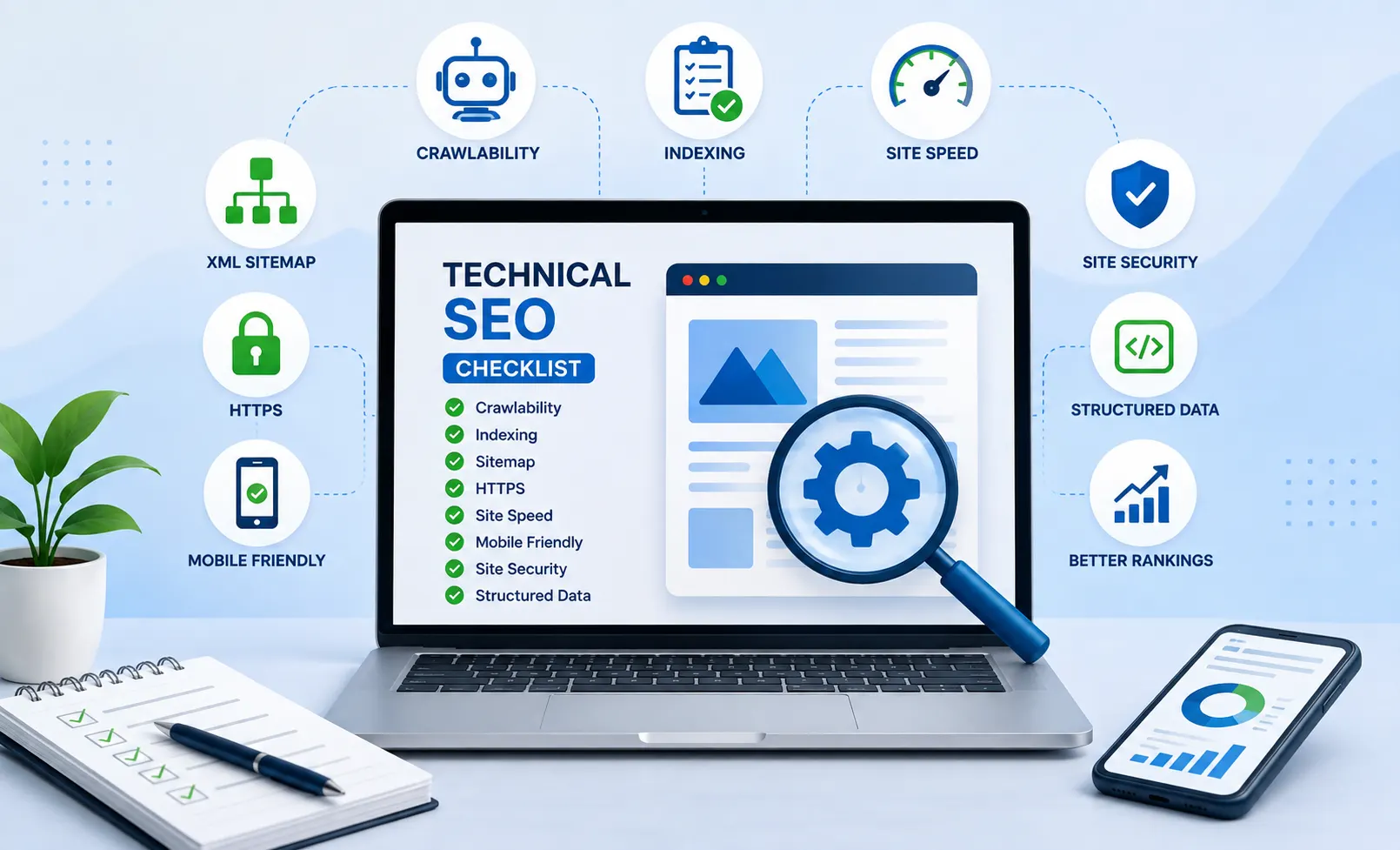
Here is the 20-item technical SEO checklist for every website owner.
1.. Ensure Website Crawlability
Website crawlability is the ease with which a web page can be accessed by bots from a search engine. A search engine may fail to find out or comprehend a certain webpage if it fails to crawl it.
Examine your website’s robots.txt to make sure that the important pages have not been blocked by mistake. You should also check your website to see if it has too many crawl restrictions.
Use Google Search Console to find out crawling problems and examine important pages that the search engine cannot access.
2. Create and Submit an XML Sitemap
XML sitemaps provide a list of the significant URLs of a website to search engines. They may help search engines to discover new as well as updated content.
The sitemap should mostly consist of the canonical URLs you wish to get indexed. You should remove any URLs which are not required, such as duplicate URLs, URL redirections, etc.
After completing your sitemap, submit it using the Google Search Console and check whether there are any issues with indexing.
3.Repair Broken Links
If visitors end up on non-existing pages due to broken links, it can become an irritating factor for navigation of the website. Broken links can also imply that you do not maintain your website properly.
Regularly check your website for any broken internal and external links and, if possible, fix the broken links by redirecting them to a new link.
4. Ensure Your Website Uses HTTPS
It is critical for any website to be secure. Thus, ensure that your website uses HTTPS and not HTTP.
Information sent by the user’s browser to your website will be encrypted using HTTPS. Furthermore, it gives confidence to the user.
Once you migrate to HTTPS, ensure that all the different versions of your website are redirected to the secured website and there are no instances of mixed content.
5. Identify and Resolve Duplicate Content Problems
Duplication of content is said to occur when identical or almost identical content appears on different web addresses.
For example, in case of an online shopping website, there could be different web addresses created for the same product, owing to different filters or tracking mechanisms.
In such a situation, the usage of canonical tags will be helpful.
6. Increase Website Load Speed
Loading speed is very important when it comes to the user experience. Users usually leave websites that take too long to load.
The following strategies can be used to enhance the loading speed of a website:
Compressing Images
Optimization of images for new formats
Reducing JavaScript code that is not necessary
Compressing CSS and JavaScript
Caching
Server Optimization
Removing any unused plugins
Test all the important webpages including the homepage, landing page, product pages, and blog posts.
7. Enhance Core Web Vitals
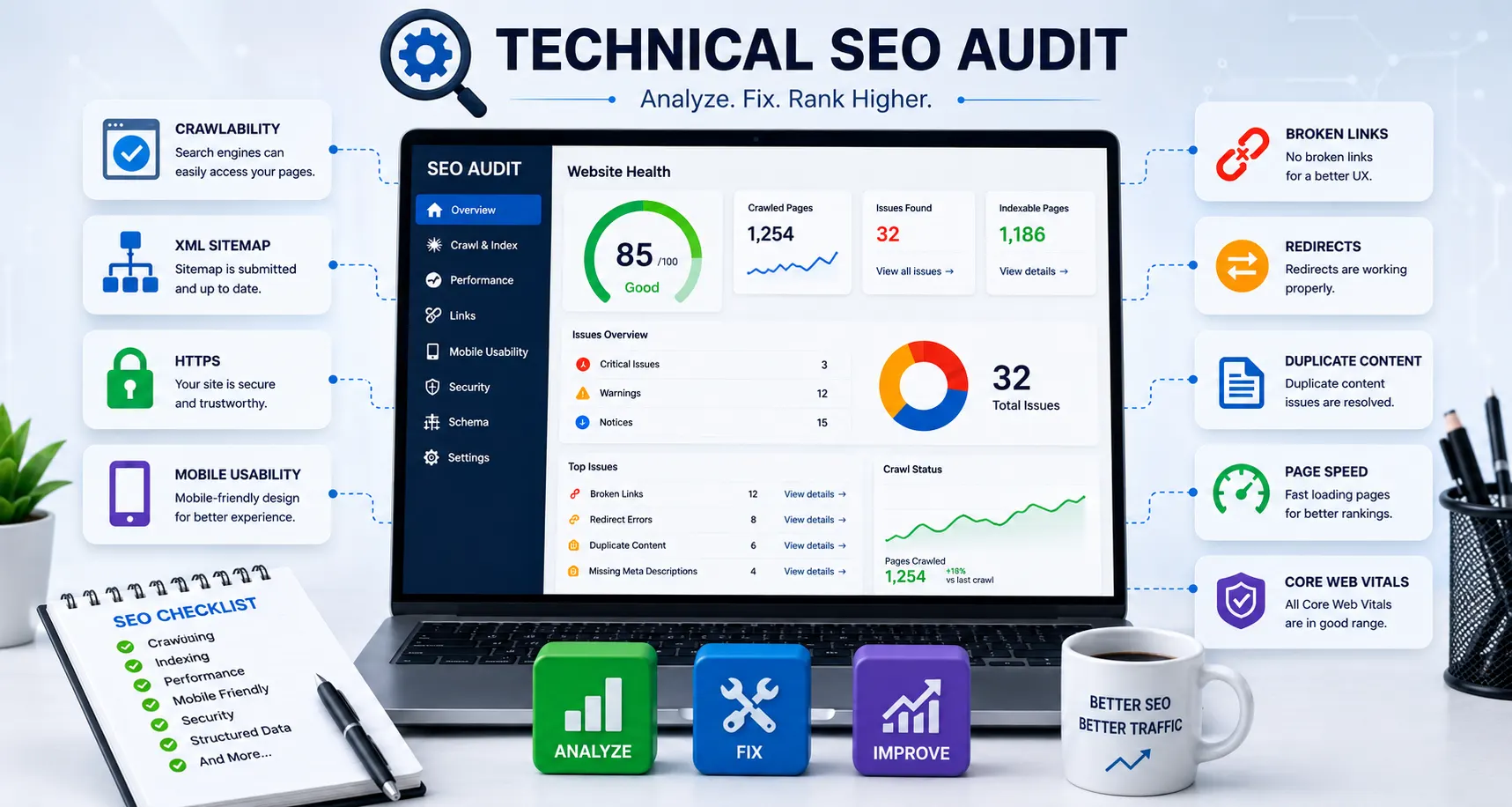
Core Web Vitals are metrics that help measure the page experience.
These metrics include Largest Contentful Paint (LCP), which is used to measure the loading speed, Interaction to Next Paint (INP), which is used to measure responsiveness, and Cumulative Layout Shift (CLS), which measures visual stability.
Bad Core Web Vitals make visitors frustrated with their experience. Image optimization, reduction in heavy scripts, allocating space for images and ads, and improving the performance of servers are some ways to achieve this goal
8. Make Your Website Mobile Compatible
It is necessary for your website to function effectively on mobile devices such as smartphones and tablets apart from desktops.
Ensure that the texts can be easily read, buttons are big enough to tap, navigation works properly and images are resized for small screen sizes.
Do not create designs that need users to pinch or swipe to navigate through them.
9.Solve Problems With Indexation
There is a difference between crawling and indexing. Even if a web crawler is able to visit a web page, it may choose not to index it.
Google Search Console allows one to find web pages that are not indexed by Google.
Check problems related to:
noindex tags
Wrong canonical tags
Redirects
Duplicate pages
Server problems
Blocked resources
Important pages need to be indexed, while unnecessary pages need to be explicitly excluded from indexation.
10. Proper Usage of Canonical Tags
This tag informs the search engine about the URL that needs to be considered as an original URL among various similar URLs having almost similar content.
For example, in case of various similar URLs displaying almost similar content, then the use of a canonical tag would help determine the URL that needs to be considered.
One must make sure that the canonical tag is rightly linked to the right page and not wrongly linked.
11. Design SEO-Friendly URLs
Your URLs should be easy for both people and search engines to understand.
Example:
example.com/technical-seo-checklist/
Is preferable to:
example.com/page?id=7854
Include keywords in your URLs, avoid additional parameters in URLs, and ensure consistency of URLs on your website.
12. Solve Redirect Chains and Loops
If there is a change in the URL address, then redirects are considered positive, but wrong redirects can lead to certain problems.
A redirect chain occurs when a URL redirects to another URL, which in turn redirects to some other URL. The redirect loop happens when URLs keep redirecting to each other.
Redirects should be kept simple. In case of any permanent moving of the page, there must be a correct redirect.
13.Create Appropriate Internal Linking
Internal links are links between pages in your website. These links allow the reader to discover relevant pages and indicate the relationships according to the search engine algorithms.
Link your blog posts to key services/products pages. The texts should be descriptive so that the user knows what he/she is going to read upon clicking on the link.
Proper internal links can be used to distribute authority within your website.
14. Website Structure Optimization
Having an organized website structure is important.
Organize your content in appropriate categories and make sure that all the important pages are easy to find. The users should not have to navigate through many irrelevant pages to reach important information.
15. Optimize Title Tags
Each page needs its own, distinct title tag.
It needs to tell the visitor what the page is about and include the key word in a natural way.
Do not stuff keywords and do not have duplicate title tags. Make titles useful, informative, and attractive to the visitor.
For example, instead of:
SEO
write:
Technical SEO Checklist: 20 Things Every Website Should Fix
16.Create Useful Meta Descriptions
The meta description serves as an introduction to a specific web page that may influence the click-through rate of your listing.
Create unique meta descriptions for important pages. Tell what your page is all about and show its benefits.
Don’t load your description with keywords, make it helpful and informative instead.
17.Proper Use of Heading Tags
Heading tags will assist you in organizing your page into logical parts.
Use one main heading for your page and secondary headings to organize other subjects.
The basic structure of heading tags looks like this:
H1 → H2 → H3
For instance, H1 of your page could be “Technical SEO Checklist” and H2s can be “Fix Broken Links,” “Speed Up Your Website,” “Indexing Problems Checkup,” etc.
Using headings properly will make reading large chunks of text easier.
18. Utilize Structured Data
Structured data gives more details to search engines about the content of your site.
Based on the type of your website, you may be able to add structured data for articles, products, organization, local business, breadcrumbs, events, and more types of content that are supported.
It is very important that your structured data always matches the content visible on your webpage.
19. Track 404 Errors
404 errors are generated when the requested page is not available. Some 404 errors are expected because some pages that are not being used anymore have been deleted deliberately.
Nevertheless, make sure to track the important missing URLs. If an old URL contains relevant content that has been replaced by another page, then do the redirection.
Otherwise, in cases where there isn’t any related URL to replace the old one, using 404 error might be okay. The idea is not to avoid 404 pages but to avoid unnecessary broken pages.
20. Conduct Technical SEO Audit Periodically
Technical SEO should not be done just once. Websites tend to change a lot. New pages keep coming up, some URLs are deleted, some plugins and design changes are made and developers change the website’s codes.
Conduct technical SEO audits regularly to check issues with crawling, indexing, broken links, page speed, mobile usability, sitemap, and many other technical aspects of your website. You can use tools like Google Search Console and website crawlers to detect these issues before it becomes a problem for your organic traffic.
Conclusion
Well-built websites form good bases for crawling, indexing, and understanding of the sites' content by the search engines.
Some of the most important parts of technical SEO include fixing all broken links, speeding up the website, making it mobile-friendly, making it indexed, using HTTPS, making the URL understandable, optimizing internal links, and addressing technical SEO mistakes.
You don't have to fix everything at once. The first thing is to know what the issues are on your important pages and then fix them gradually.
After addressing the most important issues, continue with technical SEO as part of your website management activities.
5 FAQs About Technical SEO
1. What is Technical SEO?
Technical SEO is an improvement of technical aspects of a website so that search engines could crawl, understand, and index pages of the site. Technical SEO involves aspects such as website speed, mobile-friendliness, HTTPS, sitemaps, indexing, redirects, and the structure of the site.
2. Why is Technical SEO needed for a website?
Technical SEO builds the solid basis for a website. If the pages of the website cannot be properly crawled and indexed by search engines, the high-quality content will not be able to work well in organic searches. Technical SEO improves the user experience on the site as well.
3. Which technical issues need to be fixed in Technical SEO?
Some of the common issues in Technical SEO include broken links, speed of page load, indexing issues, canonicals errors, duplicate content, redirect chains, poor mobile usability, missing sitemap files, HTTPS errors.
4.How often do I have to conduct Technical SEO audit?
The technical SEO audit has to be done on regular basis rather than once. The websites often undergo changes when new pages appear, outdated URLs are deleted, there are updates in plugins, design or website code.
5. What are the tools for Technical SEO?
Google Search Console is helpful in checking issues related to crawling, indexing, sitemap status, and others. Website-crawling tools can help to check broken links, redirects, duplicate content, technical errors and other issues on a website.


Comments (0)
No comments yet. Be the first to comment!