 New Delhi


AI Tools for Graphic Designers: Midjourney, Firefly & Canva AI
Introduction
However, it cannot be argued that changes have also been brought to the graphic design sector by the creation of artificial intelligence technology. Currently, there is no longer a need for graphic designers to dedicate time to making every design object manually. The current generation of AI technologies can assist in the generation of graphic objects, editing images, background erasure, layout creation, photograph modification, and even creative exploration within seconds.
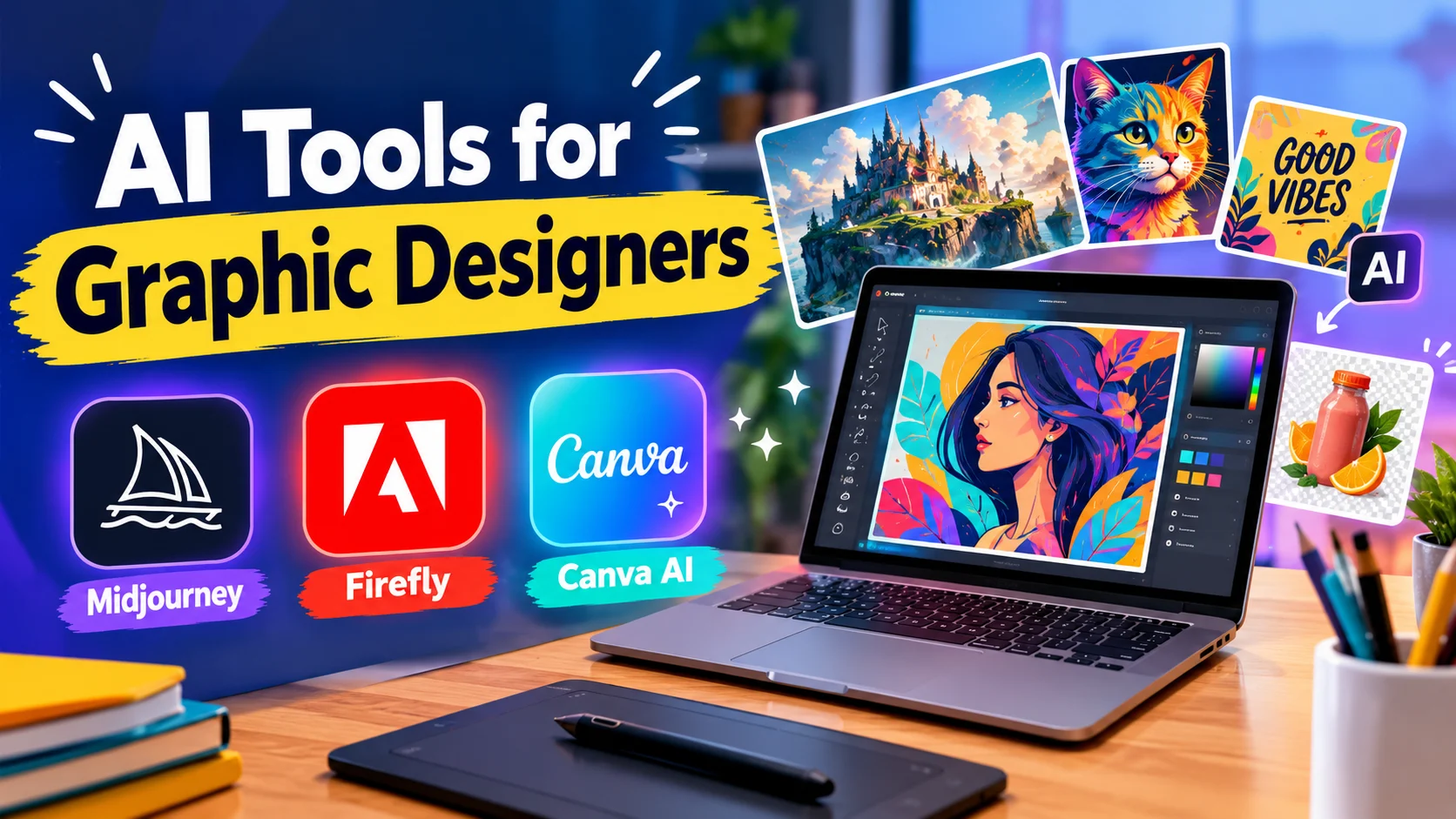
AI Tools for Graphic Designers is an integral part of every graphic design professional, freelancer, marketing agency, and business organization interested in efficient creation of visual materials. Among the most widespread AI tools are Midjourney, Adobe Firefly, and Canva AI. Every technology has its own set of unique features assisting in the graphic design process.
Both beginners who learn graphic design and professionals working on commercial projects should be aware of these features and advantages that AI tools bring to the graphic design industry.
This blog post will focus on Midjourney, Adobe Firefly, and Canva AI.
What Are AI Tools for Graphic Designers?
AI tools for graphic designers refer to software applications using AI to help with designing and editing visuals.
This technology can be used to understand text prompts, create images, suggest the layout, improve photos, and automate the design process.
For instance, a designer can type the description of a luxury product advertising design and use an AI image generator to explore various ideas for the concept. Rather than designing several initial concepts by hand, a designer will evaluate the generated ideas and choose the best one.
The following are typical applications of AI in the field of graphic design:
Image generation: creating visual concepts from text prompts;
Photo editing: removing objects, altering the background, and improving the photo;
Social media design: designing Instagram posts, ads, and banners;
Brainstorming: exploring various styles, colors, and compositions;
Automation : accelerating the process and generating variations.
However, AI is not an alternative to the need to know how to design. Typefaces, color theory, hierarchy of visuals, brand guidelines, and knowledge of the audience still matter for good design.
1. Midjourney: Create Unique AI-Generated Images
Midjourney is a tool for generating images by AI, which is known for generating visually striking and detailed images. Users are able to provide a textual description of the scene, idea, or visual style, and the tool creates images based on the provided information.
The tool may be used at the initial stage of a creative work when users require some inspiration and wish to test several approaches to design.
Features of Midjourney
Text-to-image generation: create images from descriptions, including ideas for illustrations, products, and artistic compositions.
Experimentation: experiment with various lighting, colors, atmospheres, environments, and styles of art.
Generation of image variations: create different variations of the generated image.
Refinement of the images: use all editing and variation features.
Advantages of Midjourney for Graphic Designers
Midjourney is capable of helping graphic designers generate concept art, campaign visuals, website illustration, editorial illustration, and inspiration visuals. It is particularly useful if a designer wants to give their project a unique visual direction and it takes quite some time.
For instance, a designer working on a premium skincare campaign can generate concepts including glass bottles, soft studio lighting, natural elements, and elegant backgrounds. Such concepts will be helpful for giving direction to the campaign's visuals.
Disadvantages of Midjourney
Midjourney may deliver inaccurate text, inconsistent small details, or even results that need a lot of editing. A designer may have to use additional software for designing their visuals and meeting brand requirements.
Good for: Creative professionals looking for artistic visuals, concept generation, and image generation services.
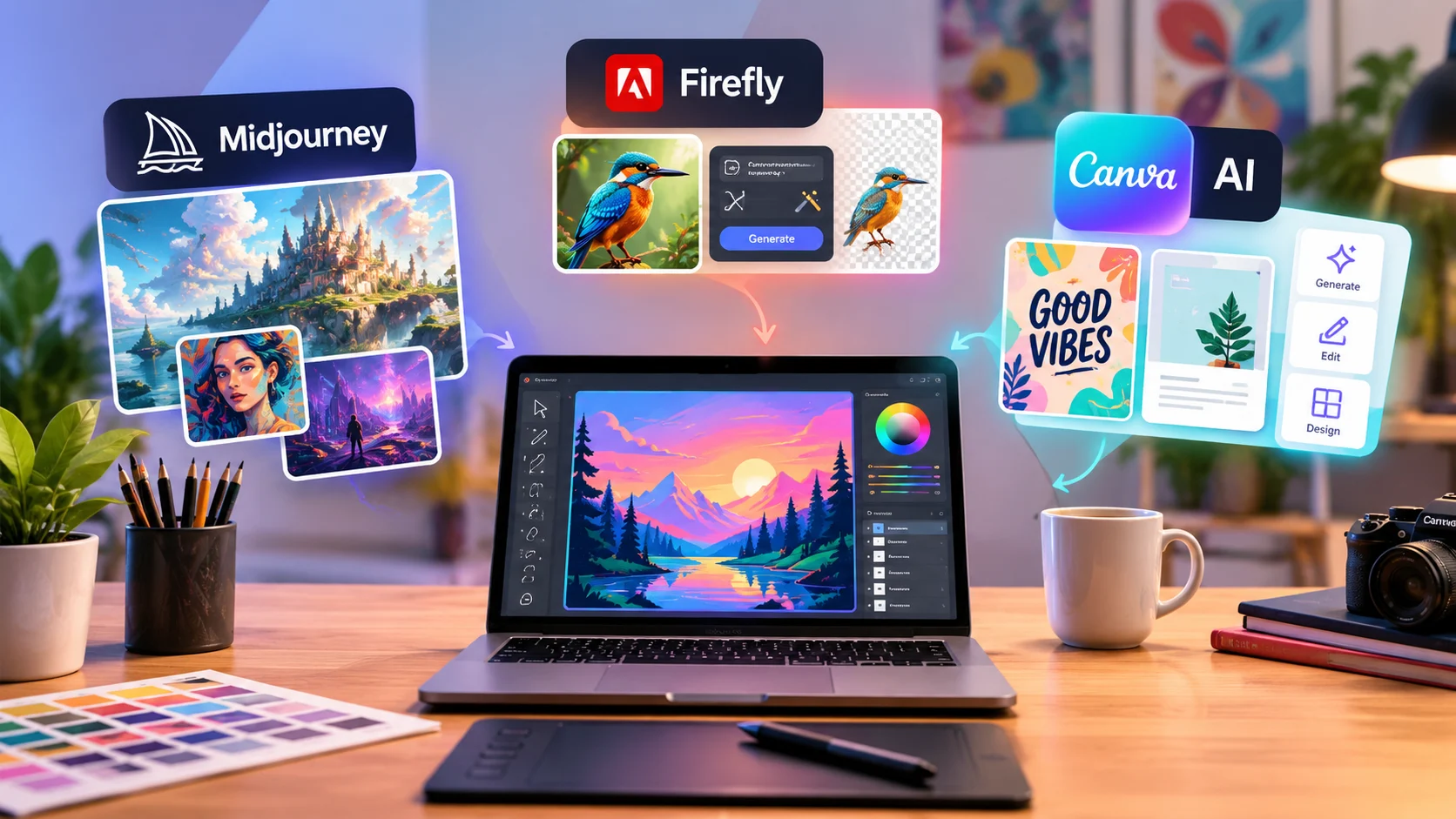
2. Adobe Firefly: AI-Powered Image Editing and Design
Adobe Firefly is the family of Adobe's AI tools that are designed to enhance the creative process. Based on the specific product and available functions, it allows generating images, editing images, expanding image composition, and creating new elements.
Firefly is especially helpful for designers who work with Adobe products, such as Photoshop and Illustrator.
Features of Adobe Firefly
Text to image: Create images based on the description for use in advertisements, presentations, ideas for projects, and other creative projects.
Generative Fill: Add, subtract, or change selected items in the image using text instructions in the supported workflow.
Generative Expand: Increase the size of the image and expand its edges to create more space for new compositions and aspect ratios.
Advantages of Adobe Firefly for Graphic Designers
First, one of the major advantages of using Firefly is the opportunity for editing and refining images. This tool doesn't create a completely new image but makes modifications of an already existing photo or design.
So, an advertising designer who needs a photograph of the product with more space for some text can use Generative Expand to see possible compositions and Generative Fill to remove some unwanted objects or add a certain element.
Adobe gives information about what kind of data was used to train Firefly models. Nevertheless, designers have to consider the terms, licensing, and rights of use related to certain products.
Disadvantages of Adobe Firefly
Results of work can require corrections manually, especially if realism, the precise look of the product, or the complicated composition are significant. Also, the availability of features can depend on the software application, the subscription, the region, and the model.
Best for: Graphic designers who need assistance in AI editing photos and images and integrating them with Adobe creative applications.
3. Canva AI: Make Graphic Design Easy in Everyday Life
Canva is one of the most popular graphic design platforms that allows users to create visual materials with ease. The AI of Canva, which is a part of the AI services offered by the company, helps users develop ideas for designs, create images, edit visuals, and even create marketing materials.
Canva AI is particularly useful for people who want to create quality designs quickly without having to manually design every element.
Features of Canva AI
AI-assisted design creation: Generate or develop ideas for designs based on the text description with the help of the Canva tools.
AI Image Creation: Create visual designs based on the text descriptions where the relevant functions are available.
Background Removal: Remove backgrounds from the images if the relevant plan and workflow are supported.
Magic Edit and related editing tools: Edit certain elements of the image with the help of AI editing functions.
Templates and design elements: Combine AI with templates, fonts, illustrations, and other design elements.
Brand tools: Make use of brand colors, fonts, and other visuals with the help of the available brand functions and plans.
Advantages of Canva AI in Graphic Designing
Canva AI can be used in the designing of Instagram posts, Facebook ads, YouTube thumbnails, presentations, posters, and promotion banners. It uses templates to allow one to design multiple pieces of content but with the same visual style.
For instance, an individual who owns a small business might use Canva AI to design a promotional Instagram post by using an appropriate template, designing the picture, adding the headlining, and incorporating the colors of their brand.
This is very helpful for marketing and other businesses where visuals have to be created on a constant basis.
Canva AI Limitations
Designs based on templates can be similar to other designs that use the same layout. Advanced images and highly customized designs can even need special software.
AI tools and brand management functions can be based on the current package plan of the user and the currently available functions.
Best for: Beginners, social media managers, small business owners, and marketing departments.
Midjourney vs. Adobe Firefly vs. Canva AI
Depending on specific needs, experience, and workflow, one should choose either Midjourney, Adobe Firefly, or Canva AI. First of all, Midjourney concentrates on generating artistic images and works best when it comes to creative processes and concept creation. Photo editing and social media designs will require more effort and other applications, and Midjourney requires some experience from beginners to deliver the result. Its professional workflow includes only conception and creation of images.
Image creation and manipulation with Adobe Firefly and its support for creative processes and photo editing are impressive. Depending on the compatibility with other Adobe products and the whole workflow, it may be useful for making social media designs. The beginner-friendly feature of Adobe Firefly can be considered in relation to the process and skills in using Adobe products.
Accessible image creation by Canva AI can help users in their creative experiments and modification of photos easily. Moreover, Canva AI works better with social media designs that can be created directly on the platform. It is perfect for beginners and for making designs for marketing and content creation purposes.
These descriptions are general rather than absolute rankings. Each platform continues to evolve, and the most suitable choice depends on the features available to you and the specific requirements of your project.
AI Design Tools Selection Guide
Prior to choosing the right AI design tool for yourself, you have to analyze the type of projects you normally create and how much editing is necessary.
If you create projects that require creative image generation, artistic concepts, ideation of campaigns, and unique styles, Midjourney will suit you perfectly.
If you are continuously working on image editing and have the necessary Adobe software, Firefly will suit you perfectly.
In case you need to create posts, presentations, advertisements, and other brand-related materials, Canva will suit you perfectly.
Also, you can use these tools in combination if needed. For example, Midjourney can come up with the visual idea, Firefly will edit these images, and Canva will put all these things together, creating a finished project with titles, logos, and calls to action.
Keep in mind that prior to implementing AI-generated designs in commercial projects, you have to make sure that you comply with the license terms, privacy policy, and limitations of your customers. You have to review AI-generated visuals thoroughly, especially if these visuals include any products, people, or logos.
Tips for Using AI Tools for Graphic Designers Effectively
Getting good results from AI requires more than entering a short prompt. A clear creative brief can significantly improve the usefulness of generated content.
Write the prompt details: Mention the subject, composition, light, color palette, mood, and purpose of the image.
Maintain consistency: Ensure that you have used the correct colors, font, logo, etc.
Proofread everything: Ensure that there are no errors in the quality, proportion, mistakes, and unnecessary stuff in the image.
Manual editing: Apply your skills of graphic design for editing space, alignment, typography, and composition.
Don’t upload any personal material: Ensure that it is okay to do so as per the privacy policy of the tool.
Usage rights: Know about the licensing of the tool and model and its resources used.
The goal is not simply to generate content faster. It is to use AI thoughtfully to improve the creative process while maintaining quality and originality.
Conclusion
Artificial intelligence emergence offers great opportunities in the sphere of graphic design, making the processes of image creation, photo editing, and design creation accessible. In particular, the platform Midjourney offers options for experimental designs, whereas Adobe Firefly is a tool for generative editing and workflow, and Canva AI is used to produce marketing and social media materials.
It is necessary to choose each technology depending on certain aspects such as your goals, needs, budget, and work style. Frequently, the combination of AI technologies and design programs may lead to better results in terms of creation of visual content.
AI tools for graphic designers are most helpful when they help in supplementing but not in replacing creativity. It is possible to produce effective visual content by combining the ideas produced by AI technologies with design skills, editing abilities, and understanding of the target audience.


Comments (1)
No comments yet. Be the first to comment!